Before
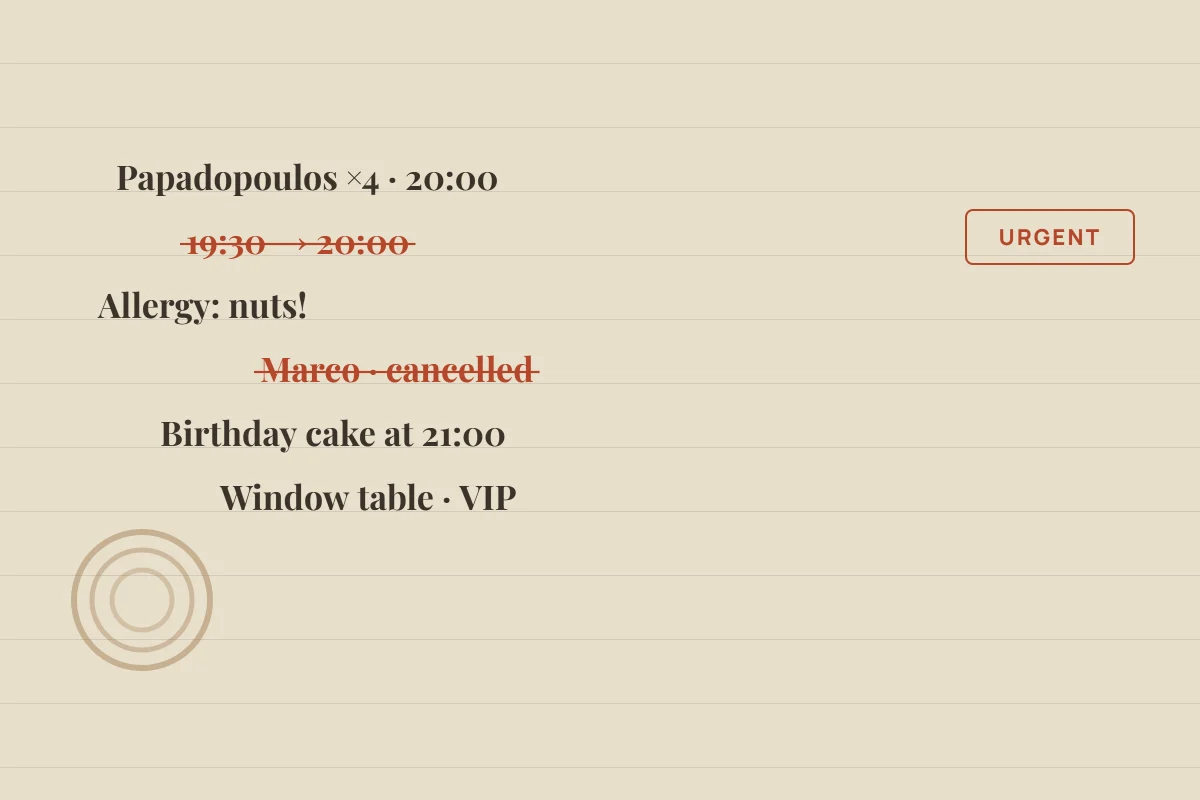
Crossed out lines, changes and details that go missing.
One time change or one phone call is enough to blur the picture of the whole evening.
BookArrive gives your host stand a clear view of the shift: who is arriving, who is seated, which tables are free and which party is still waiting.
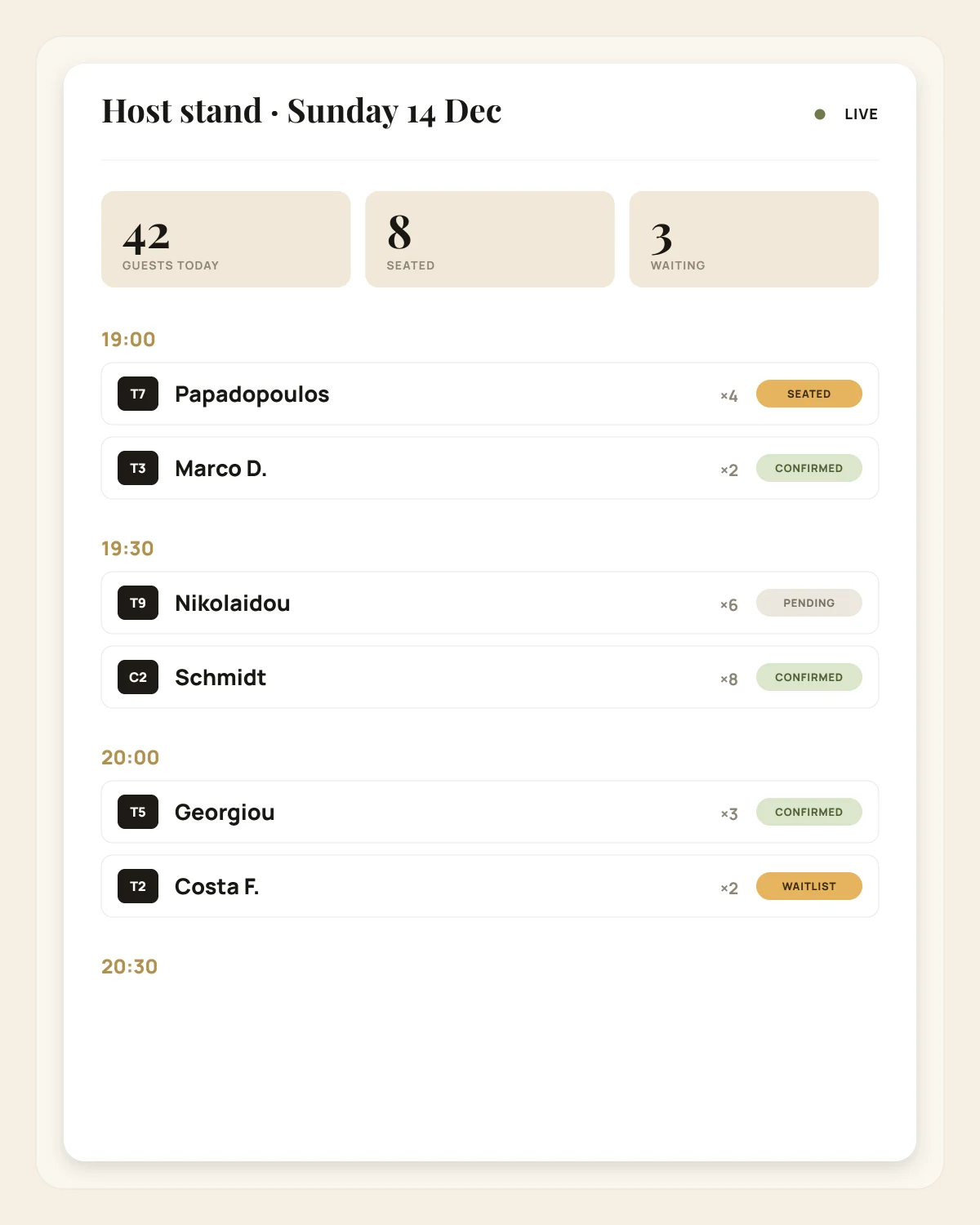
Instead of digging through notebooks, messages and separate lists, your staff sees the flow of the shift in one place and updates any booking with a single tap.
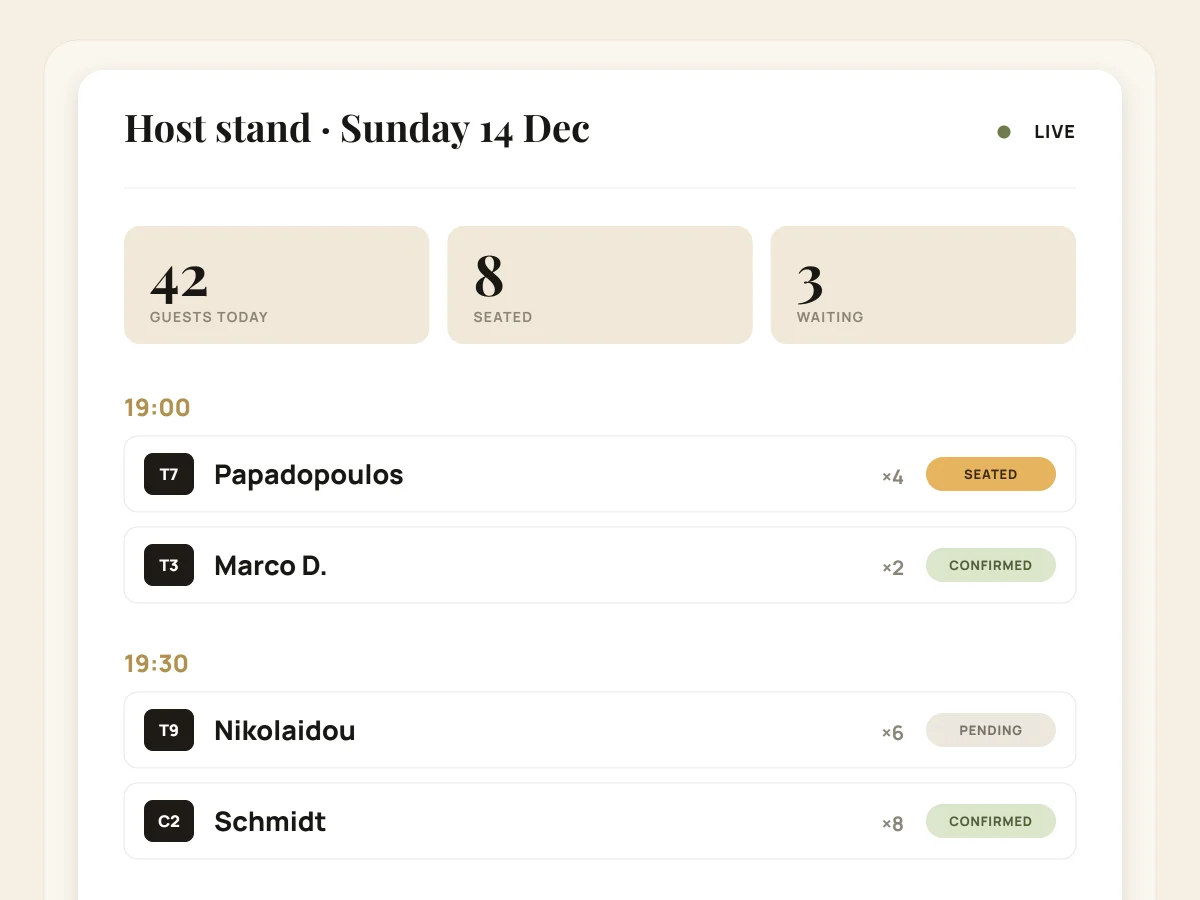
BookArrive does not change the way you host your guests. It simply brings order to everything that until now lived on paper, in phone calls and in scribbled notes.
One time change or one phone call is enough to blur the picture of the whole evening.
The team sees what has changed and what the next right move is, without losing time.
The core features are built around the shift, not around complicated admin menus.
Guests only see the times you can genuinely serve, and availability updates the moment a booking changes.
You define which tables can be joined, which are temporarily out of use and where each party can sit.
Add guests who arrive without a booking straight away, and turn a party on the waitlist into a booking with one click.
Your team sees previous visits, preferences, allergies and internal notes before the guest arrives.
Set holidays, New Year's Eve, different booking durations or days when the venue stays closed.
Each venue has its own tables, shifts and staff, while everything is managed from a single account.
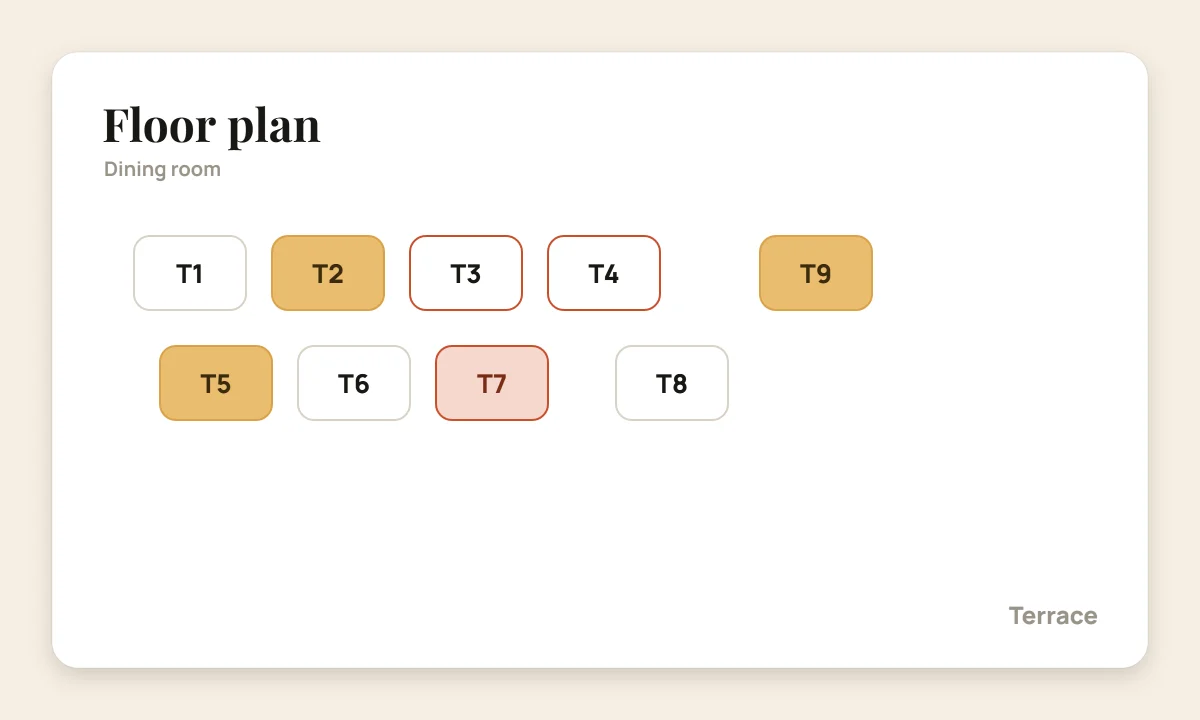
The floor plan shows clearly which tables are free, taken or blocked, and helps the host stand decide quickly where the next party will sit.
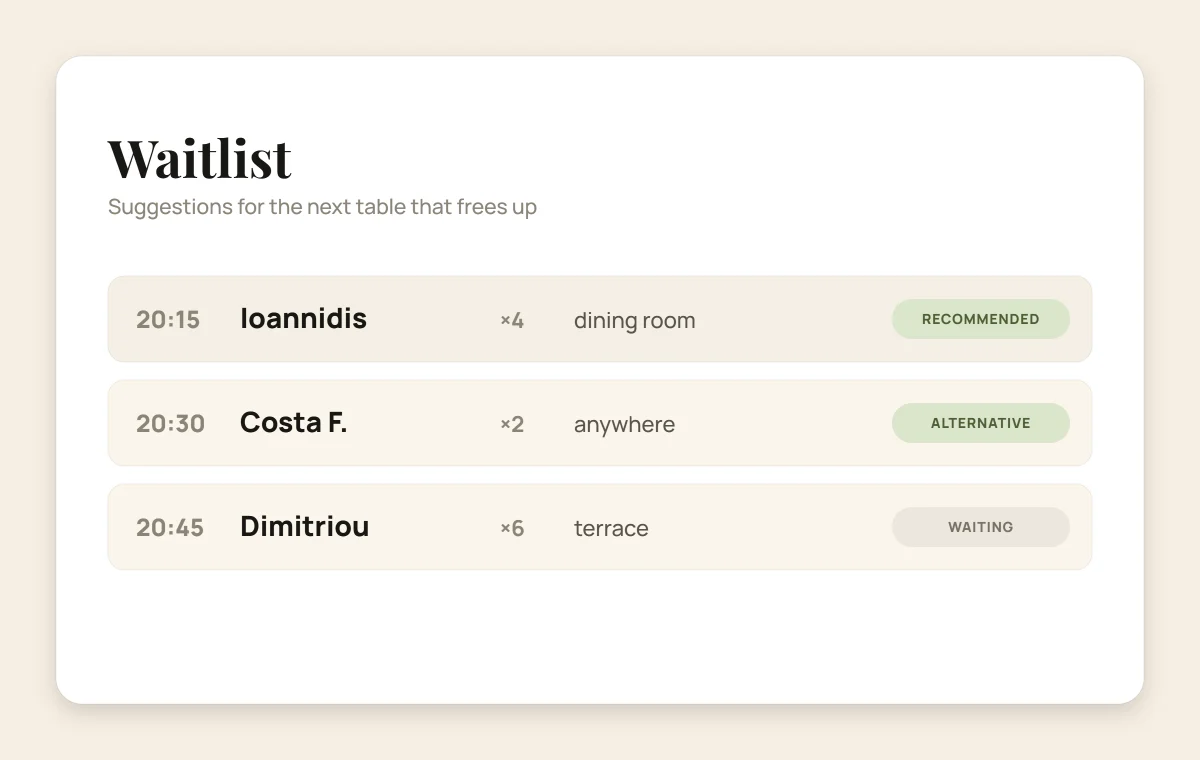
The waitlist keeps the party details, the number of guests, the time they want and the area they prefer. The moment a table frees up, the information is ready.
The system keeps a clean history and protects the flow of the shift, so your team can stay focused on the guests.
If two guests pick the same slot at the same moment, only the booking that is completed first goes through.
You see who changed a booking, when the change happened and which details were updated.
Guests get a confirmation, a cancellation or a meaningful change, without a stream of repetitive emails.
No competitors are shown next to your restaurant, and there is no commission per booking or per guest.
Clear information, large touch targets and fast actions, built for the host stand on a tablet or a computer.
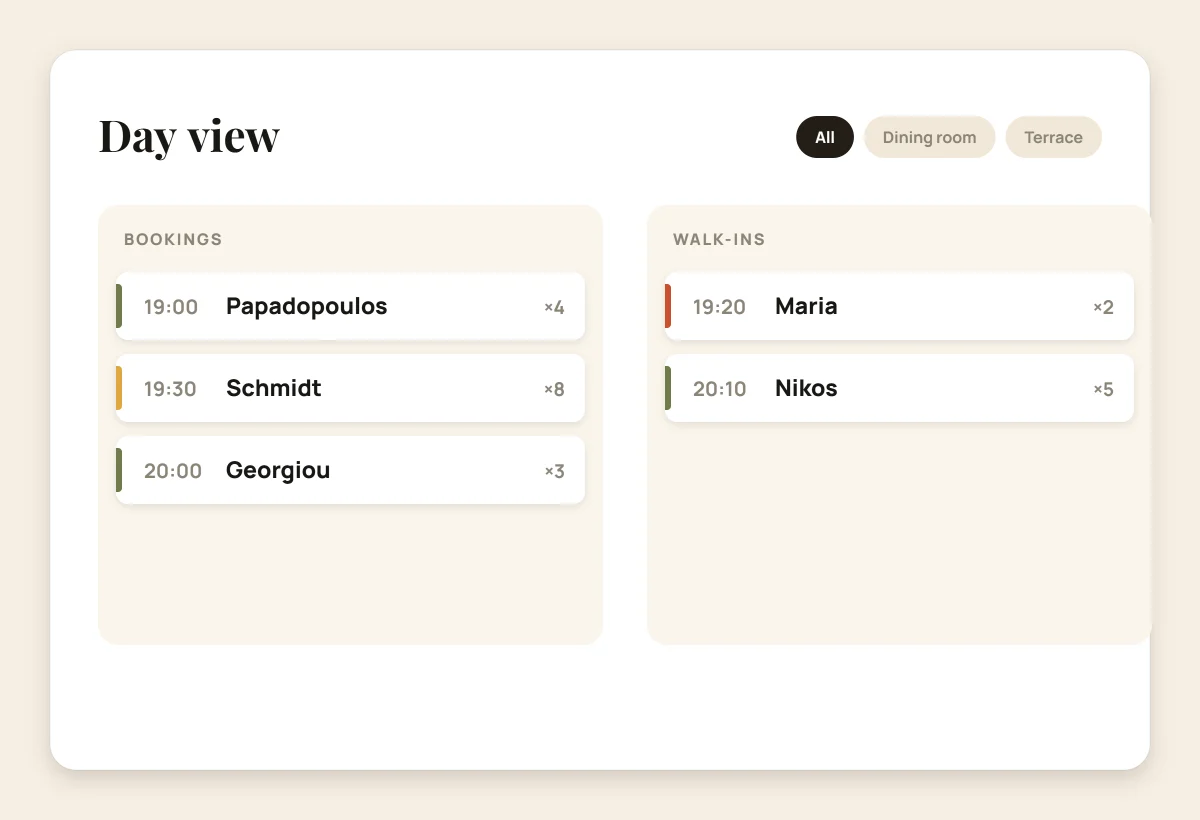
Bookings and statuses organised by hour and by shift.
An instant view of free, occupied and blocked tables.
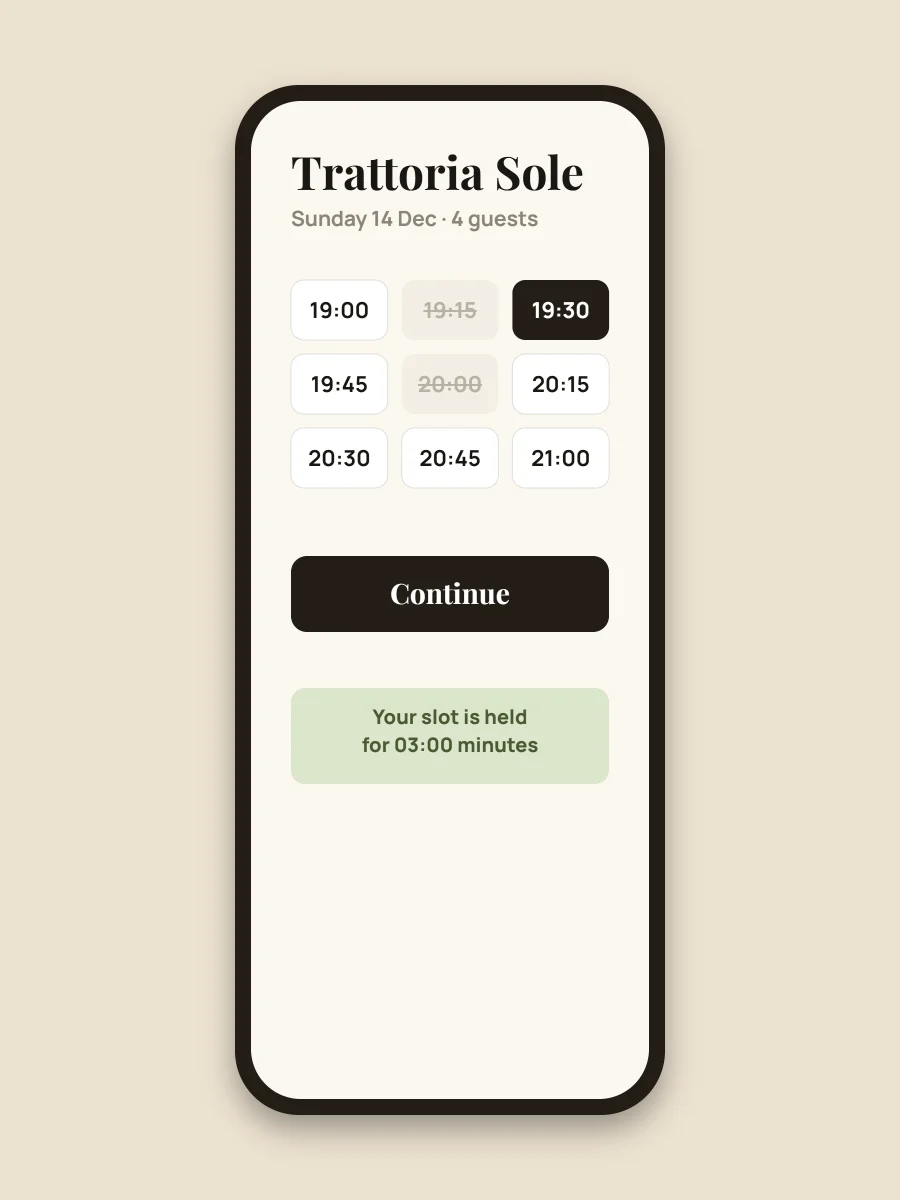
A quick flow for the guest, with no unnecessary steps.
We set up your shifts, your tables and the core booking rules, so your team gets a system that is ready to use and easy to understand.
Hours, shifts, booking duration and special dates.
Floor plan, capacity and the combinations you allow.
On your website, on Google, on Instagram or through a QR code.
One flat monthly subscription for as many bookings as your restaurant needs. Your guests and their data stay with your business.
Yes. Existing bookings can be imported into BookArrive so the switch happens in an organised way, without losing important information.
No. The booking form can be embedded in your existing website. If you do not have one, you can use a standalone booking page on Google, Instagram or a QR code.
Yes. The booking form can be shown in Greek and in English, and your staff picks the language that suits them.
Each venue has its own tables, staff, opening hours and settings. Everything is managed from a single account with special pricing.
The basic setup can usually be completed within a day, depending on your areas, your tables and how the restaurant operates.
Start with your own hours, your own tables and the way your restaurant already works.